
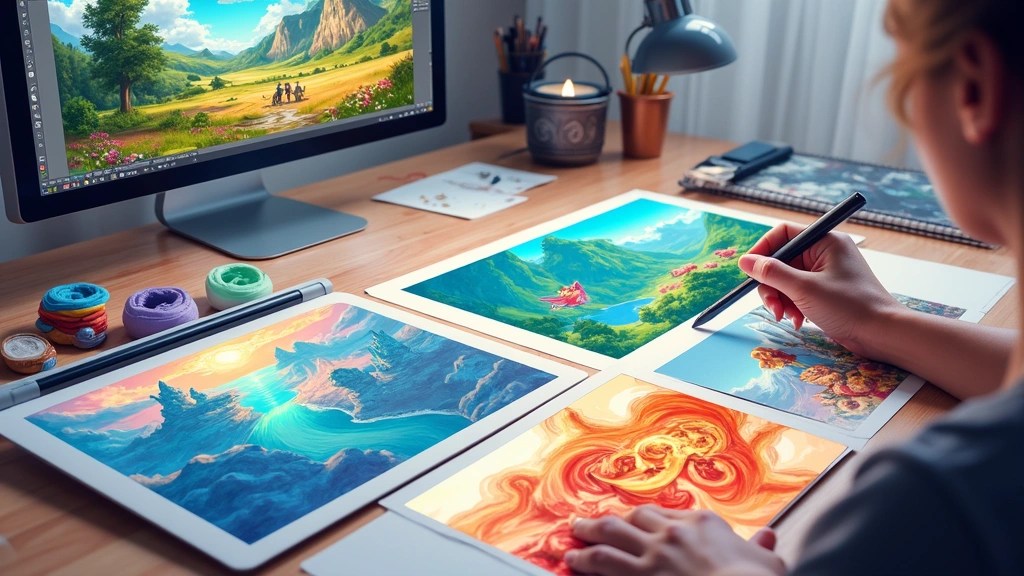
Digital drawing has revolutionized the way artists create, allowing for an endless canvas of possibilities.
Whether you’re a beginner or looking to refine your skills, these ten hacks are essential for enhancing your creative journey.
From mastering software tools to utilizing the right art tools, these tips will elevate your digital art game significantly. Get ready to unleash your inner artist!
1. Experiment with Layering

Layering is a game-changer in digital drawing, allowing artists to separate elements of their artwork for easier editing.
By utilizing multiple layers, you can create depth, add textures, and experiment with colors without fear of ruining your base.
Try keeping your sketches, colors, and effects on separate layers, so you can adjust them individually anytime. This technique not only enhances your workflow but also adds professionalism to your art pieces.
2. Utilize Custom Brushes
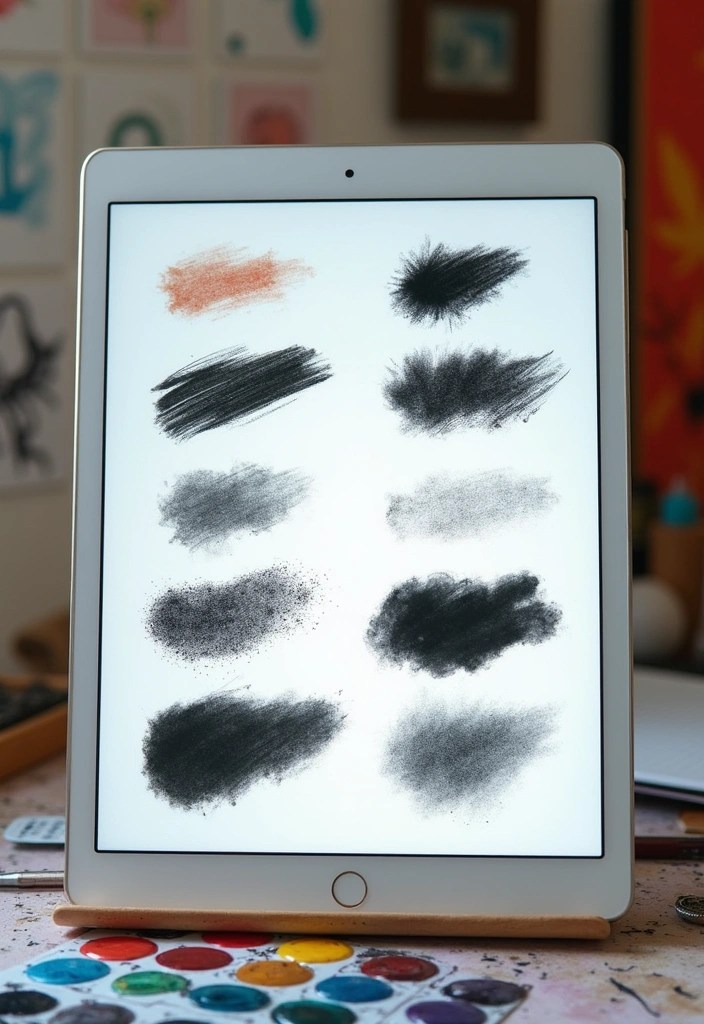
Custom brushes can transform your digital drawing experience, offering unique textures and effects that standard brushes may not provide.
Explore creating or downloading brushes that mimic traditional mediums like watercolor or oil paints for a more authentic feel in your digital artwork.
Experimenting with various brush settings allows you to achieve different strokes and finishes, making your art distinctive and engaging.
3. Master the Undo Button
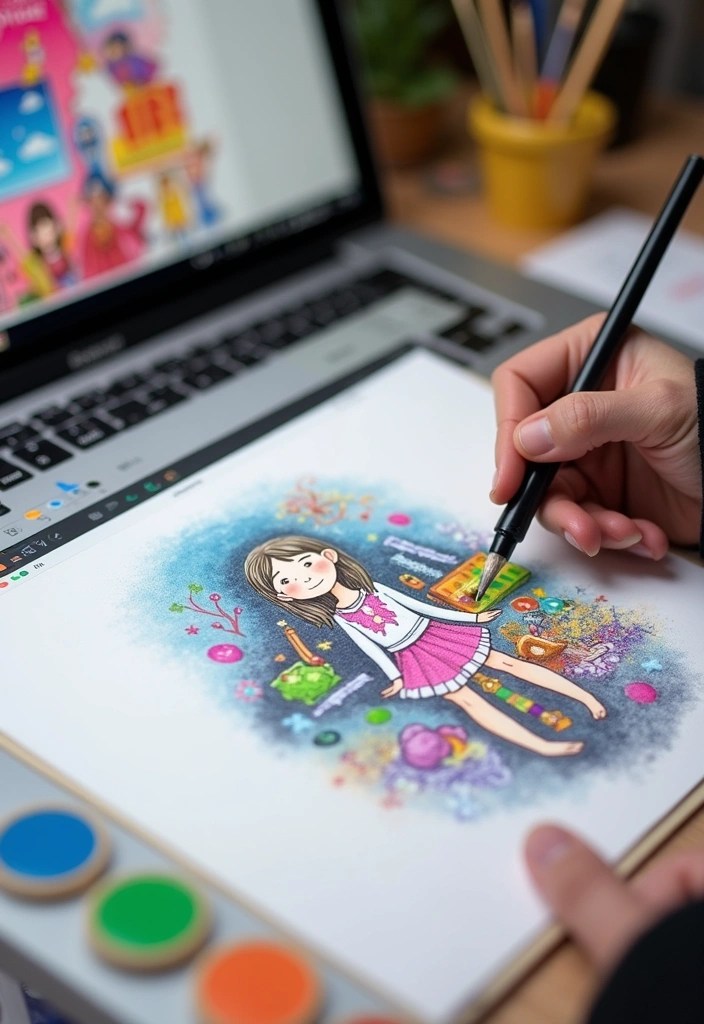
One of the most powerful features of digital drawing is the undo button.
Embrace this tool to experiment freely; if something doesn’t work out, just undo it and try again.
This flexibility encourages creativity, allowing you to take risks with your art without the fear of making irreversible mistakes. Remember, every artist has their own process, and using the undo button can help you refine your style without stress.
4. Use Color Palettes
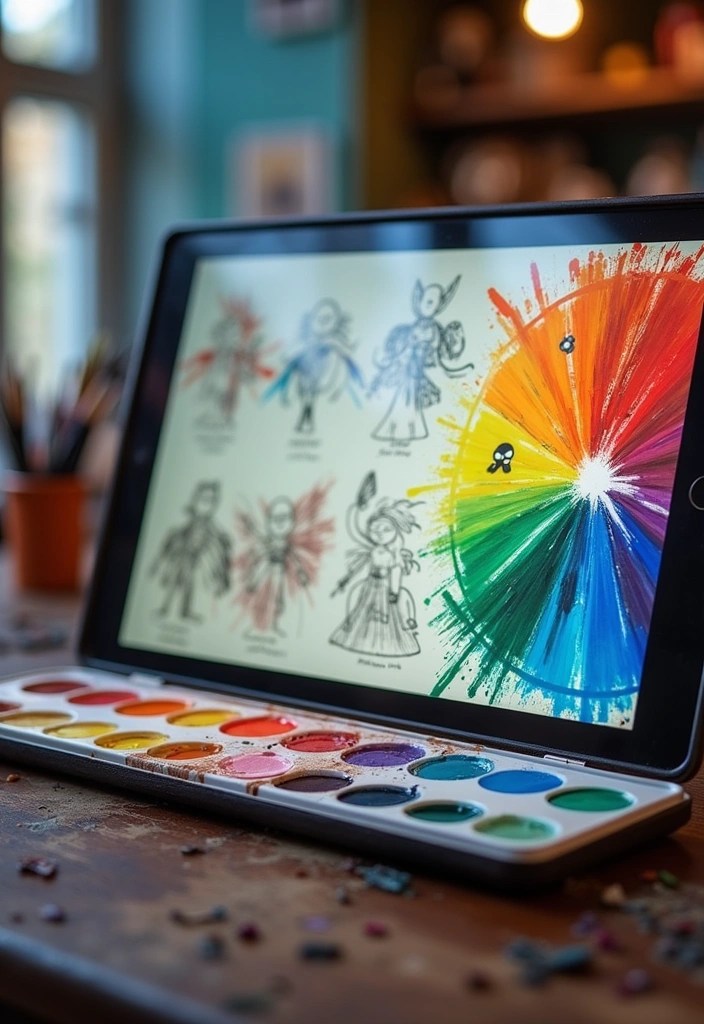
Color palettes can streamline your color selection process and ensure harmony in your artwork.
Creating a palette before you start can save time and help maintain a cohesive look throughout your piece.
Many digital art programs allow you to save custom palettes, which you can refer back to for future projects. This practice not only enhances your efficiency but also improves your understanding of color theory.
5. Take Advantage of Shortcuts
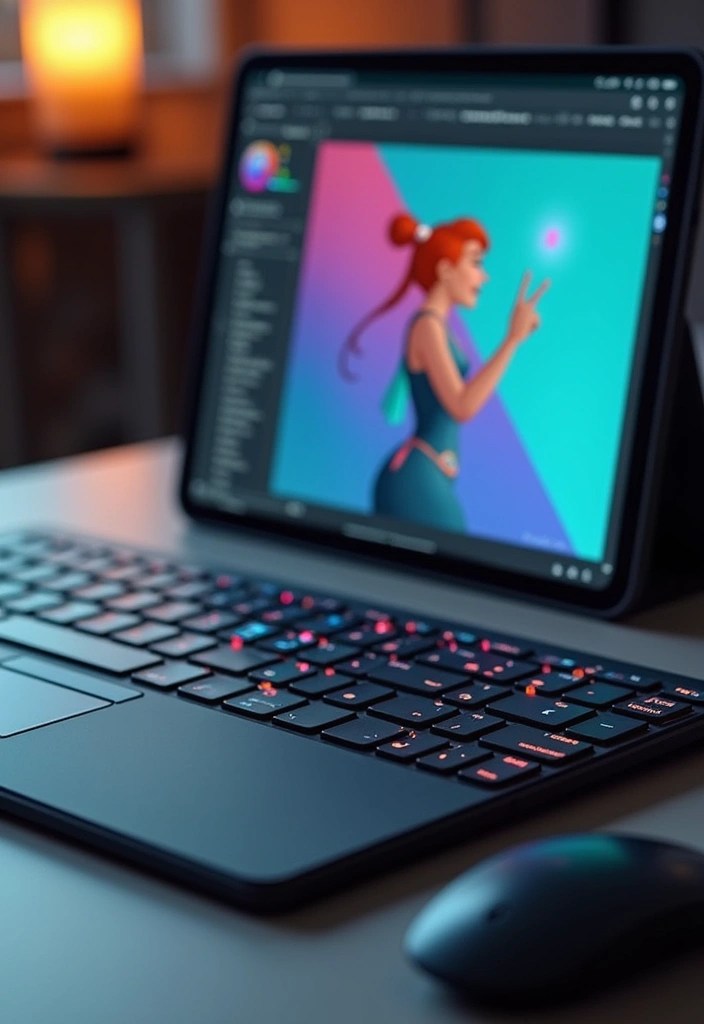
Learning keyboard shortcuts can drastically improve your workflow and speed up your digital drawing process.
Familiarize yourself with the essential shortcuts for your drawing software, such as switching tools or zooming in and out.
This knowledge allows you to focus more on your creativity rather than fumbling through menus, making your drawing sessions more enjoyable and productive.
6. Experiment with Textures
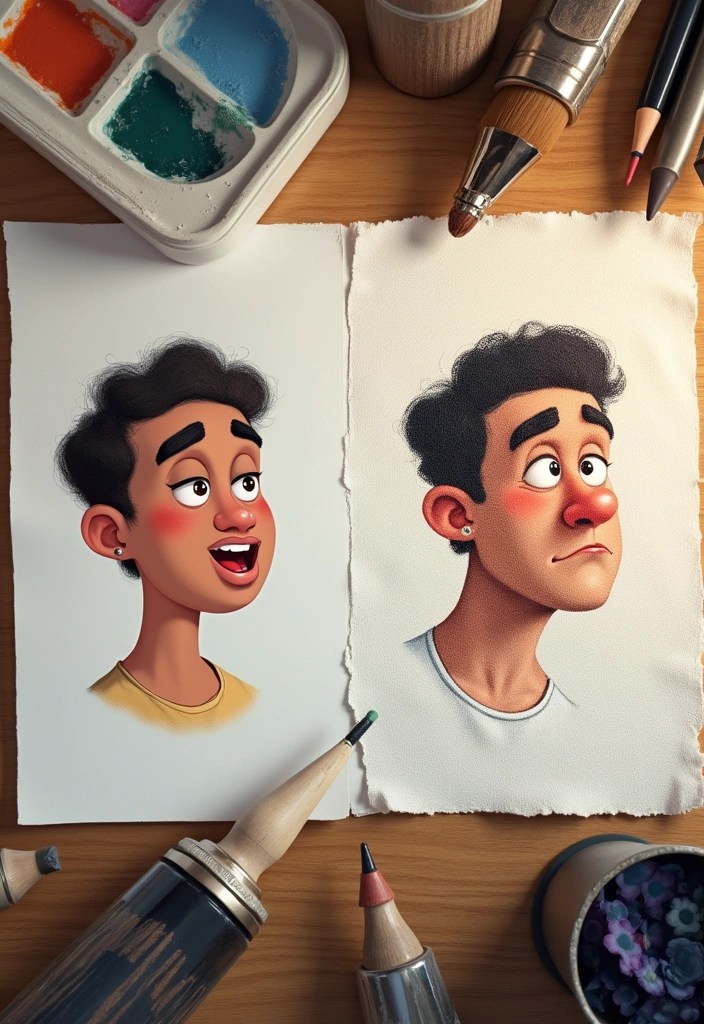
Adding textures can bring your digital art to life, providing a tactile quality that enhances visual interest.
Try incorporating textures through overlays or brushes that simulate real-world materials like canvas, paper, or fabric.
These elements can add depth and realism to your pieces, taking your digital drawings to another level. Don’t hesitate to explore different textures to find what best complements your style.
7. Incorporate Reference Images
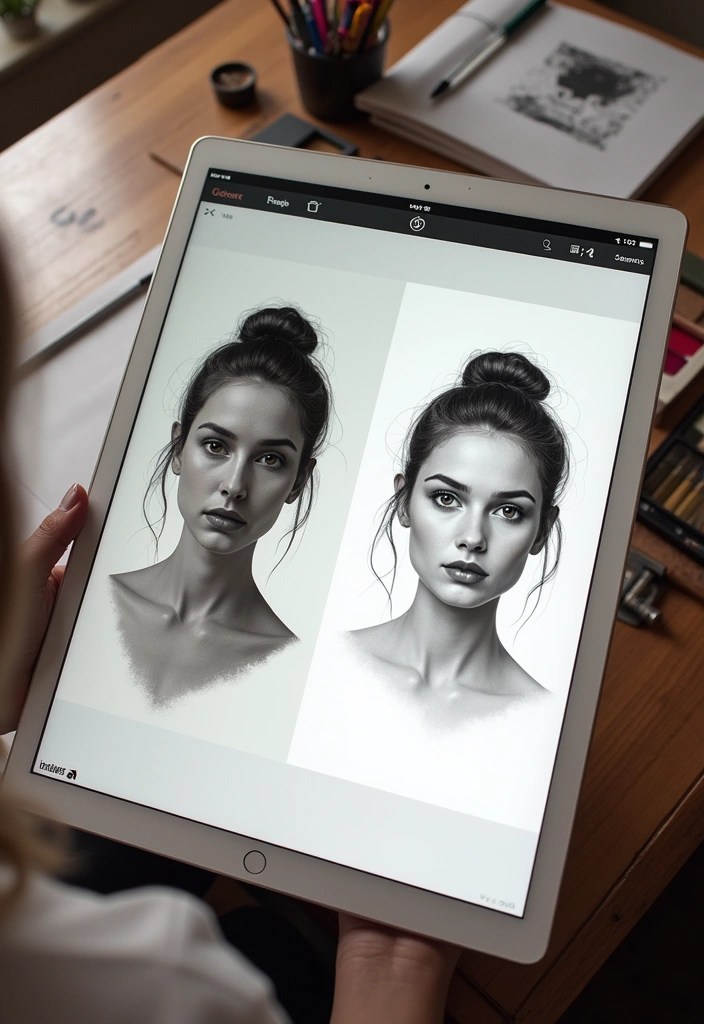
Reference images can significantly improve your accuracy and understanding of anatomy, perspective, and composition.
When drawing from reference, you can break down complex subjects into manageable parts, making the drawing process less intimidating.
Utilizing references not only helps you learn but also inspires new ideas and techniques to incorporate into your art.
8. Explore Different Software
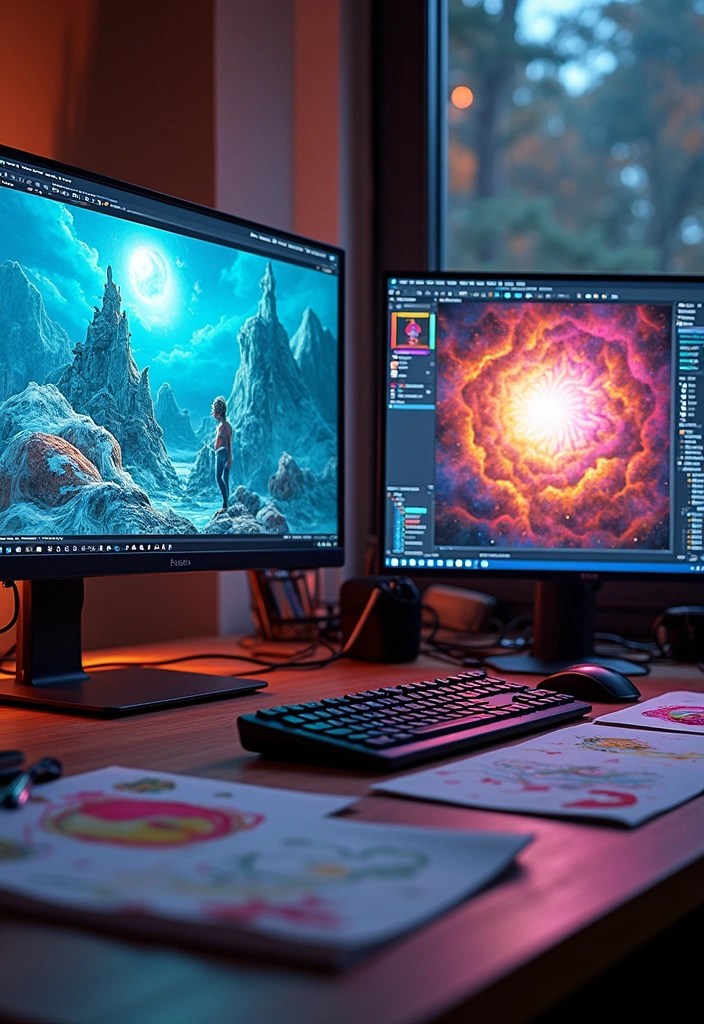
Not all digital art software is created equal, and exploring different options can help you find what suits your style best.
Each program offers unique features, brushes, and layouts that can enhance your creativity.
Try experimenting with various software, from Adobe Photoshop and Corel Painter to Procreate and Krita. This exploration allows you to discover new techniques and tools that can benefit your workflow.
9. Set a Routine
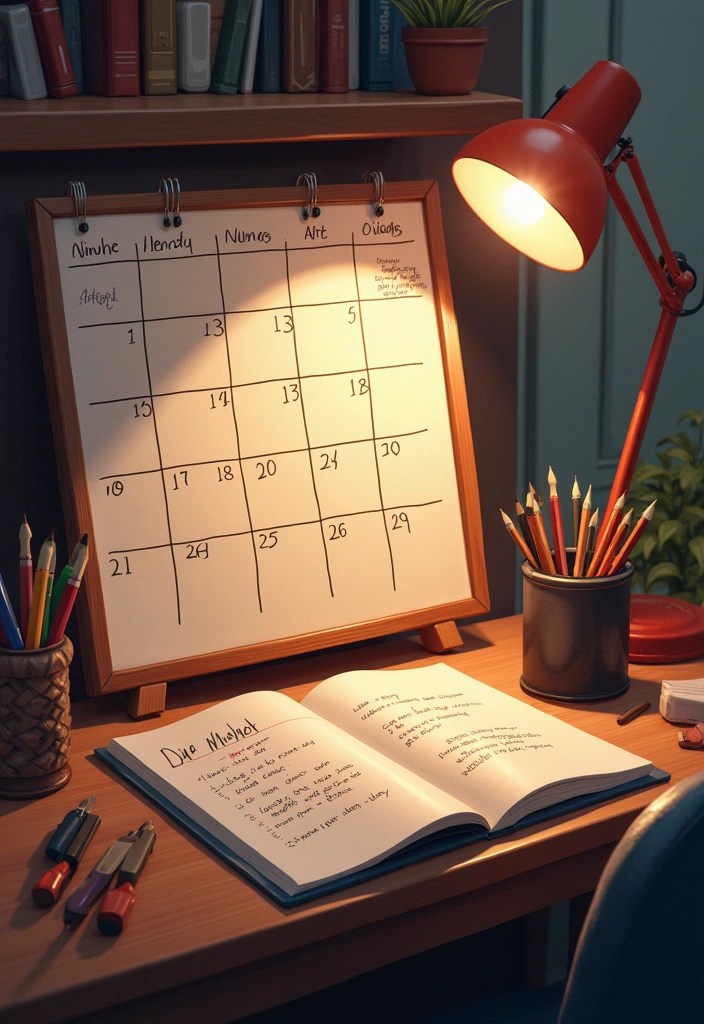
Establishing a drawing routine can help cultivate your skills and keep your creativity flowing consistently.
Dedicate specific time slots throughout your week for focused drawing sessions.
This practice not only builds discipline but also allows you to track your progress over time, making it easier to see improvements in your artistic abilities.
10. Join Online Communities
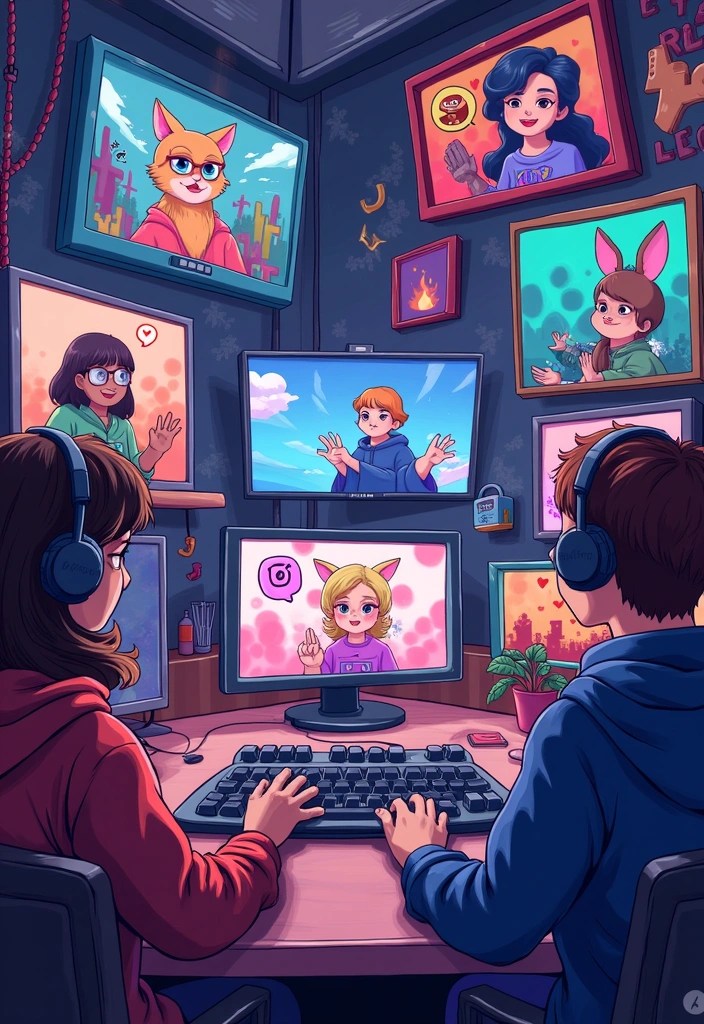
Connecting with other artists online can provide invaluable feedback, motivation, and inspiration.
Join art communities on platforms like Discord, DeviantArt, or Instagram to share your work and receive constructive feedback.
Engaging with fellow artists not only enhances your skills but also helps you build a network of supportive peers who share your passion for digital art.
Conclusion
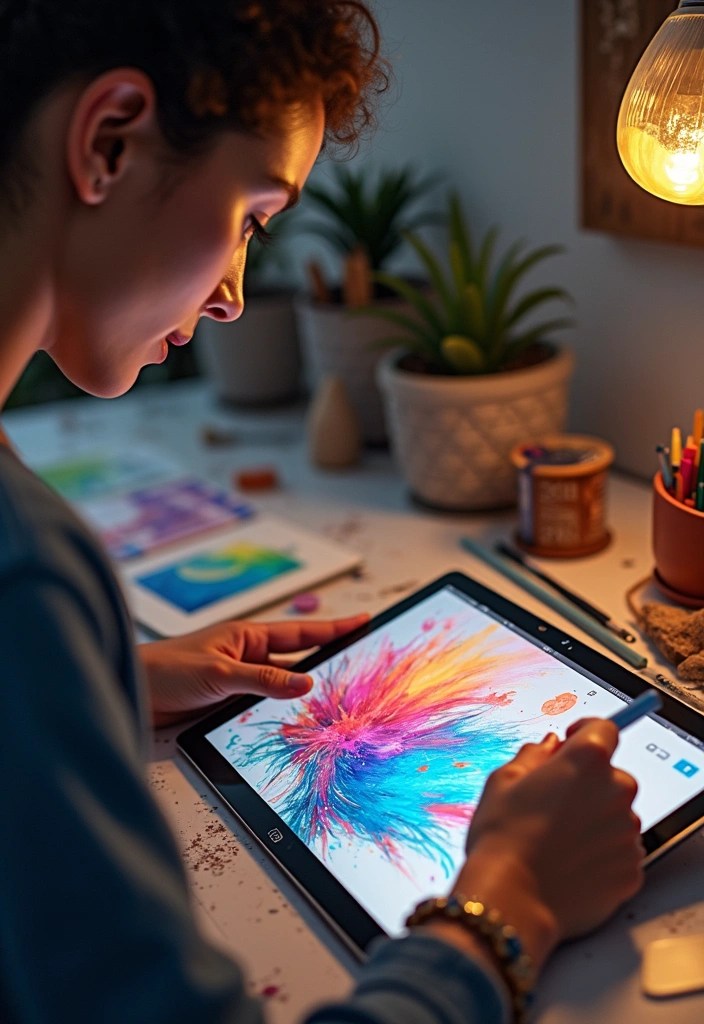
Embracing these digital drawing hacks can significantly enhance your artistic journey and unlock your creative potential.
By experimenting with different techniques and tools, you’ll discover your unique style while improving your skills.
So pick up your stylus, get inspired, and start creating!
 Dreams by Aurora
Leave a comment